
Lessons
Topic explanations with worked examples, split into units.
2 min read
Five screens from the DersTeders simulators, one for each tool. Each screen is shown with the guide that explains how to use it. Sign-in required to use the simulators.
Create an account to save your progressCreate your account
At a glance
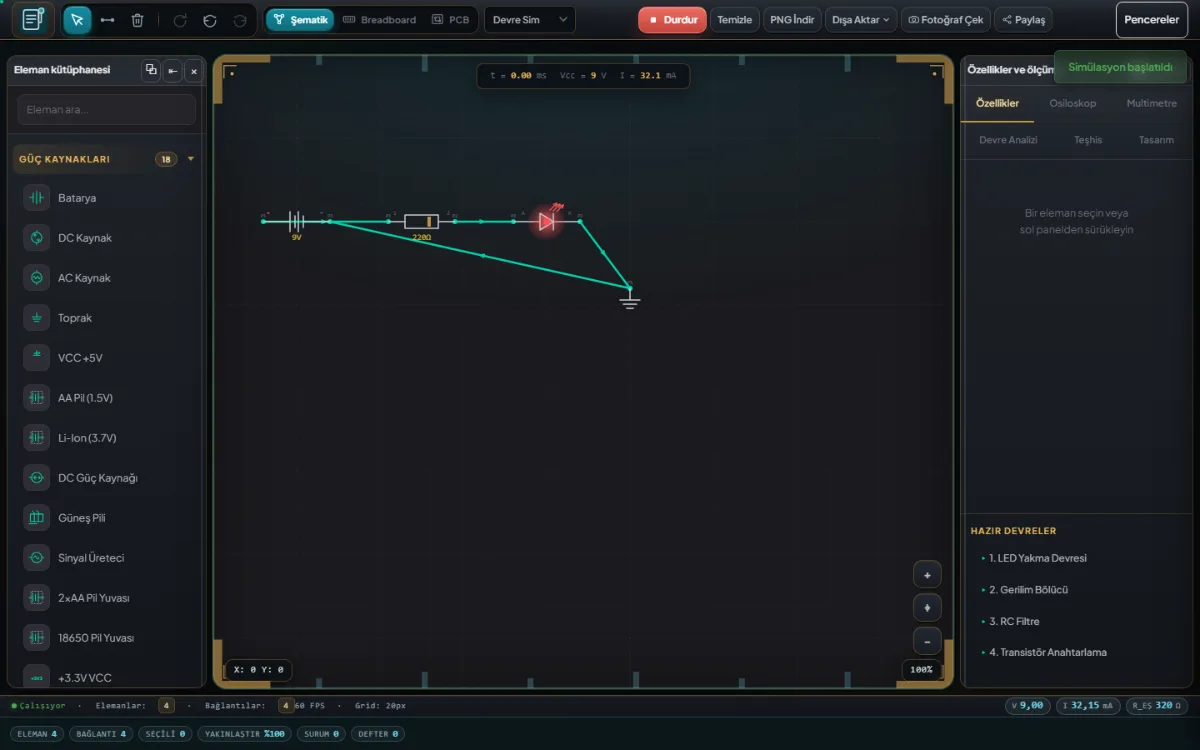
Build circuits with a battery, a resistor and an LED, and read the current in the top strip.
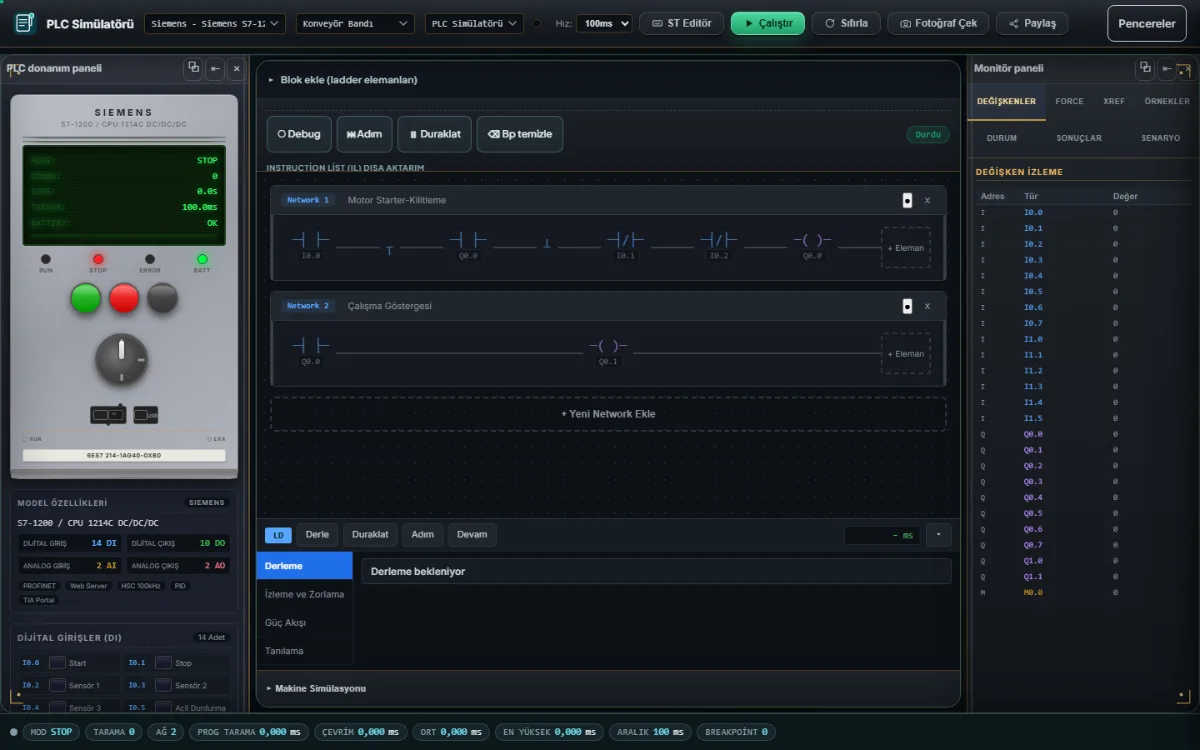
Write ladder networks and watch inputs and outputs in the monitor table.
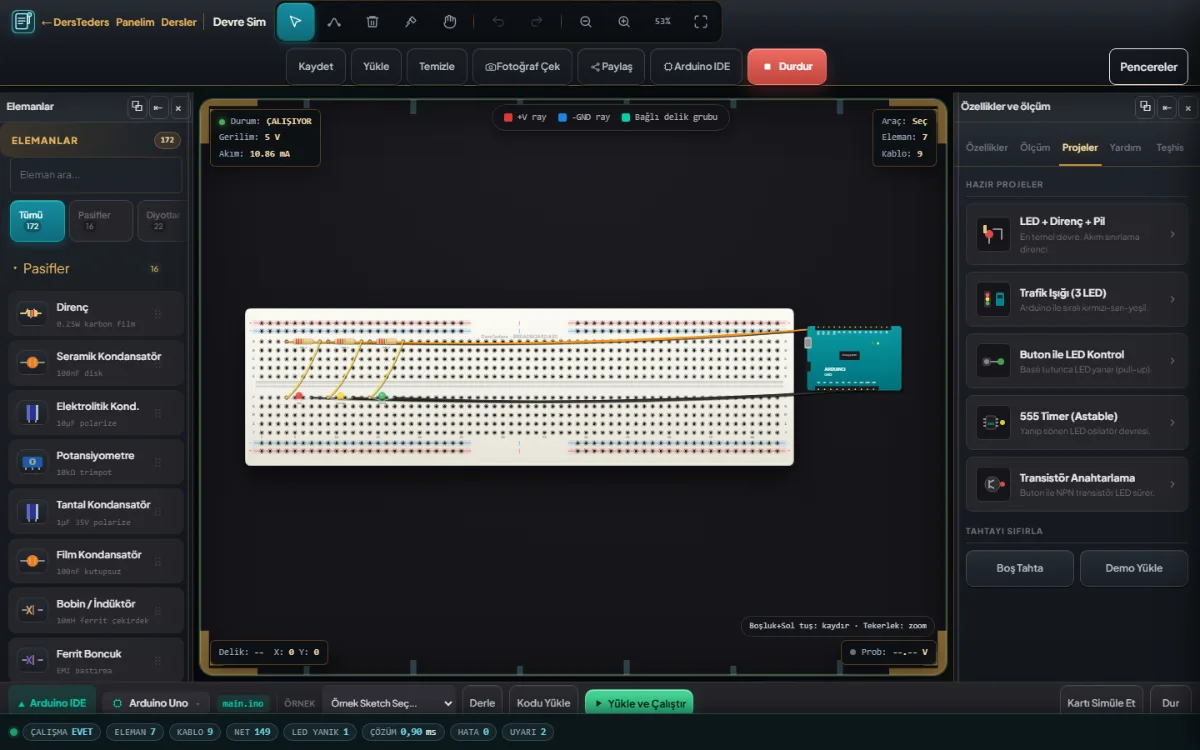
Place parts on a breadboard and check the rails and connected hole groups.
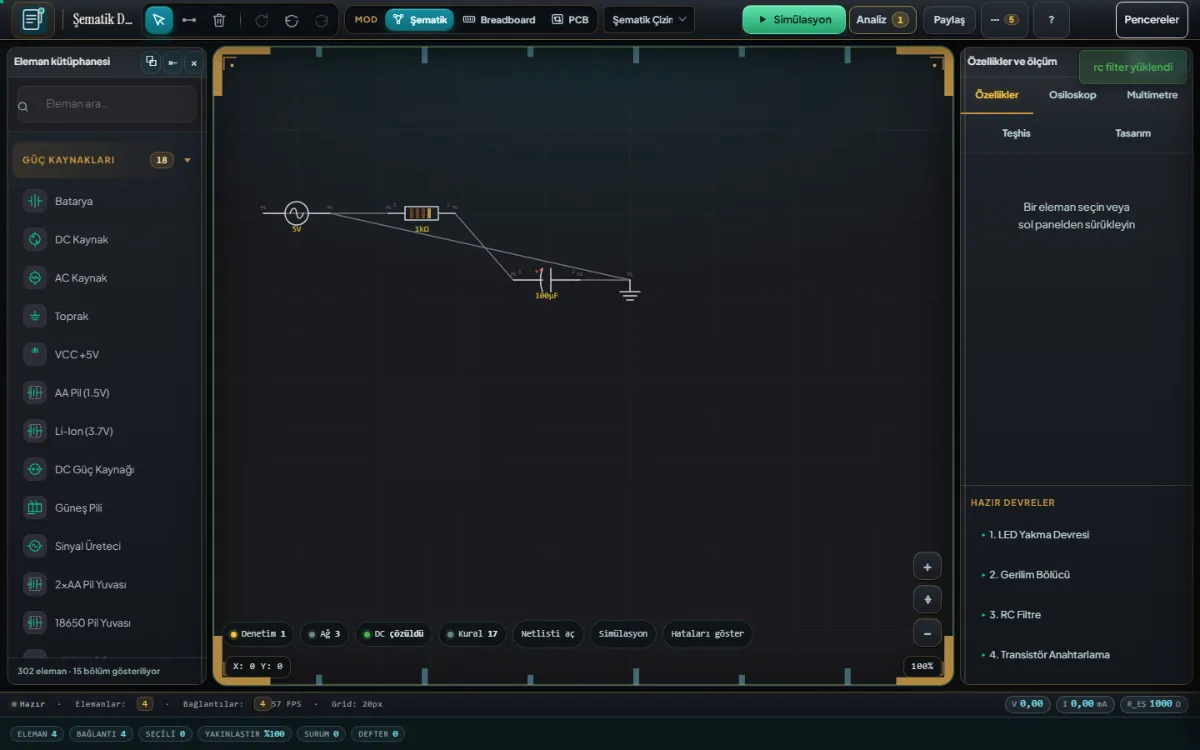
Draw circuit diagrams with standard symbols and read the warnings.
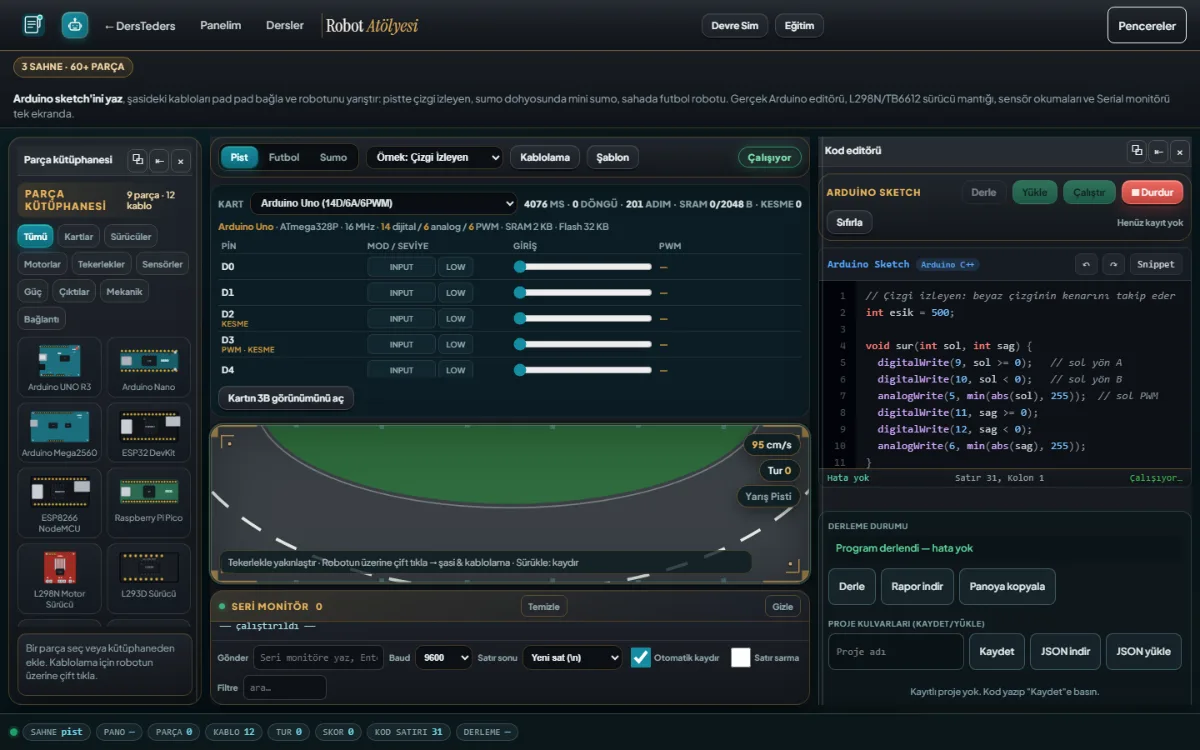
Write Arduino code, compile it and run a robot on a track in the simulation.
Each screen has a similar layout: a top bar with the main actions, a left panel with the part or element library, a central canvas and a right panel for properties, measurements or code. Once you recognise this layout in one simulator, you can find your way around the others more quickly.
The values visible in a screenshot belong to that particular example. A current or a voltage read from one screen is the result of that circuit at that moment. It is not a general rule, so repeat the measurement on your own circuit before you use the value.
What an account adds to the pages you are reading.
Topic explanations with worked examples, split into units.
Multiple-choice questions with answers you can check.
4 short practice games in maths and science.
424 glossary terms in plain English, and browser simulators.
If you are new to electricity, start with the circuit simulator and then move to the schematic tool. If you are interested in control logic, open the PLC simulator. For prototyping, use the breadboard simulator, and for programming, use the robot workshop.
After trying a simulator, go back to its guide and repeat the steps. This confirms that you understand what each button and panel does, not just where it is on the screen.
Every simulator in this gallery requires an account. Sign in to open the tools, and save your circuits, programs and projects to your account so you can continue later.
DersTeders AI
Ask about the part you are stuck on, follow a solution step by step, and revisit the same topic with fresh examples.
Available from your panel. Sign in to open the AI section there.
The library behind these pages holds 5,082 topics and 201,970 practice questions.
Keep learning
Continue with a hands-on project, a browser simulator or a free account.