
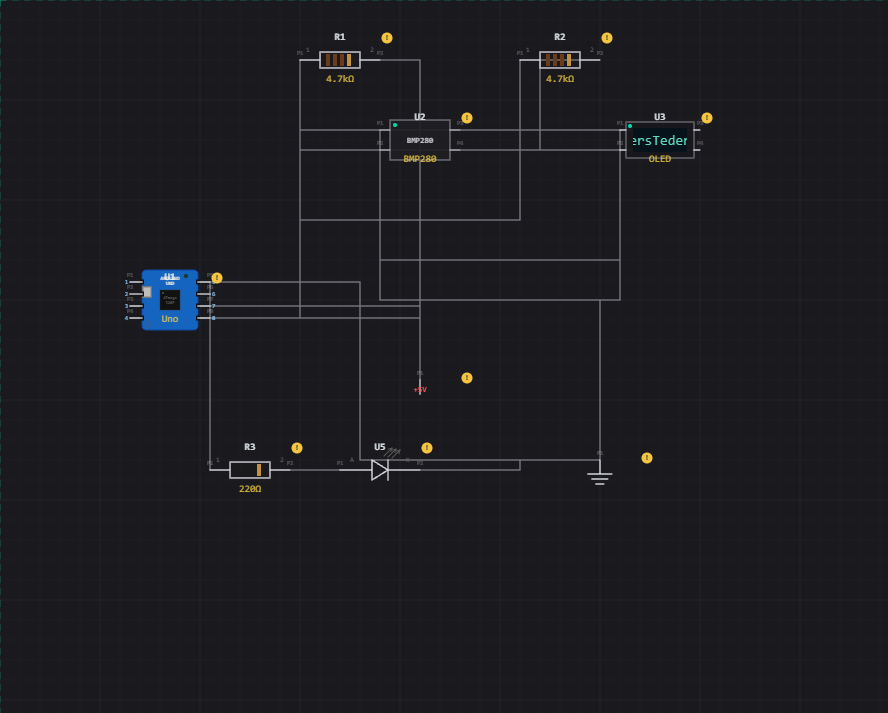
Bu projeyi gerçekten kurmak istersen parçaları hobidevre.com'dan temin edebilirsin →
Build it for real
To build this project for real, get the parts from hobidevre.com → hobidevre.com →
More build guides: hobidevre.com/blog
Why I2C needs two signal wires
A plain 16x2 character display uses a parallel interface with many data and control pins. An I2C backpack is a small board attached to the back of the display that converts I2C messages into those parallel signals. The result is dramatic: instead of a ribbon of wires, you have two signal lines plus power and ground.
I2C is a shared bus. Each device has an address, and the master — here the Arduino — includes that address in every message. SDA carries the data and SCL carries the clock. Because the bus is shared, two devices must not use the same address.
Parts and wiring
You need a 16x2 LCD with an I2C backpack, an Arduino and four jumper wires. Connect VCC to the 5 V header, GND to ground, SDA to the SDA pin and SCL to the SCL pin. On an Uno those two pins are also available on analogue inputs A4 and A5, though using the labelled SDA/SCL header is clearer when your board has one.
Double-check VCC and GND before powering the circuit. Reversing them is the fastest way to damage the backpack. If your board operates at 3.3 V, check the display module’s requirements rather than assuming it is tolerant.
Find the I2C address
I2C backpacks are commonly encountered at addresses such as 0x27 or 0x3F, but you should not guess. Run a scanner sketch that sweeps the address range and reports which addresses answer. With only the display connected, the single address it prints belongs to your display.
Some backpacks have solderable address pads that let you change the address. This is useful when two displays must share one bus. Changing the pads changes the address the scanner reports, so scan again after any modification.
#includevoid setup() { Serial.begin(9600); Wire.begin(); Serial.println("I2C scanner"); } void loop() { for (byte adres = 1; adres < 127; adres++) { Wire.beginTransmission(adres); if (Wire.endTransmission() == 0) { Serial.print("Bulunan adres: 0x"); Serial.println(adres, HEX); } } delay(5000); }
Install a library and print text
Install a library that supports I2C character displays through the library manager. In your sketch, include the library, create a display object with the address and the dimensions 16 by 2, initialise it, turn on the backlight and print a short string. Clear the display between messages rather than letting old characters remain.
Keep the first test minimal: one line of text on the first row. Once that appears, add the second row, then scrolling or custom characters. Debugging a display with several features at once is much harder than debugging a single line.
Contrast and backlight
Most backpacks include a small potentiometer for contrast. If the display is powered but appears empty, turn this slowly while watching the screen. Characters may be present but invisible at the wrong setting. The backlight is a separate control in the library, so a lit backlight does not guarantee that text is being drawn.
If the screen shows solid blocks on the first row, the contrast is set too far in the other direction. Adjust it until individual character cells become distinct.
More than one device on the bus
You can connect several I2C devices to the same SDA and SCL lines, provided each has a different address. Sensors and displays frequently coexist this way. Keep the wiring short and tidy; long leads invite noise and make faults harder to locate.
If a scanner reports two devices with the same address, you must change one of them using its address pins or select a different module. The bus cannot distinguish them otherwise.
Troubleshooting a blank screen
Work through a short list. Is the scanner finding the display? If not, the problem is power or wiring. If it is, check that the address in your sketch matches the scanned value. If the address is right, adjust contrast. If text still does not appear, confirm the library installed correctly and that the object is initialised before you print.
This order matters because each step rules out a whole class of faults. Changing the library first, while the address is wrong, wastes time and can introduce new problems.
Get the parts
Character displays and I2C backpacks are available from hobidevre.com.
Frequently asked questions
What if my display has no I2C backpack?
A bare 16x2 display uses a parallel interface and many more pins. You can either add a backpack or use a library written for the parallel connection.
Why do I see blocks instead of text?
That usually means the contrast is set too high. Adjust the potentiometer on the backpack until the character cells become readable.
Can I use more than one I2C device?
Yes, as long as every device has a unique address on the shared SDA and SCL lines.