
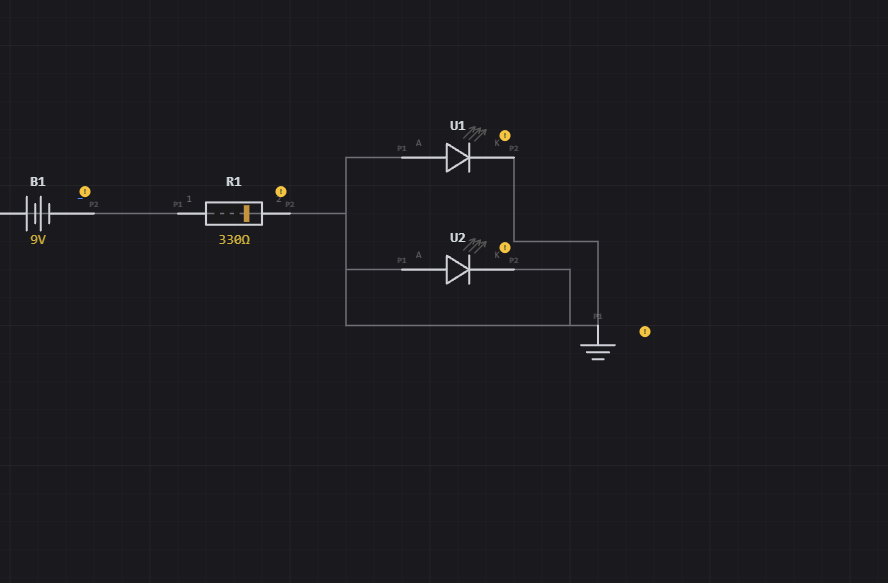
Build it for real
To build this project for real, get the parts from hobidevre.com → hobidevre.com →
More build guides: hobidevre.com/blog
Blame the cable first
A USB cable that charges a phone perfectly may have no data wires connected. Plug in a cable you know transfers data, and watch whether the board power indicator comes on. If the light stays off, the cable or the socket is the problem.
Try a different USB port on the computer too. Front-panel ports on desktop cases are often poorly connected, and USB hubs can fail to enumerate a board at all.
Check driver and board package
Boards with a separate USB-to-serial chip need a driver. On Windows, open Device Manager and look under Ports (COM & LPT). A device shown as Unknown or with a warning icon means the driver is missing.
In the IDE, install the board package for your specific board from the boards manager. The correct package also installs the serial driver on most systems, so a fresh install fixes many cases.
Select board and port together
Choose the exact board model, not just the chip family, then select the port from the same menu. Selecting the wrong board can let a sketch compile but upload incorrectly.
If several ports are listed, unplug the board and see which one disappears. That is the one to select when you plug it back in.
Close programs holding the port
A serial monitor in another IDE tab, a terminal program, or a dashboard tool can keep the port open. Close all of them, then restart the IDE and check the port list again.
On Linux, your user may need permission to access the serial device. Add the user to the dialout group and log out and back in before trying again.
Reset timing during upload
Some boards rely on automatic reset to enter the bootloader. If uploads consistently fail at the same point, press and release the reset button just as the IDE reports it is uploading.
A sketch with an infinite loop immediately after boot can also block the bootloader. Holding reset while starting the upload frees the chip.
When the board is genuinely faulty
If the board is not recognised on any computer with any cable, inspect the USB connector for a loose joint and check whether the power LED works. A board that gets warm without being programmed may have a short.
Before replacing it, test with a different computer. This separates a board fault from a system-wide driver or permission problem.
Get the parts
If you want to build this project in real life, you can get the parts from hobidevre.com.
Frequently asked questions
Why is my port greyed out in the IDE?
Another process is using it, or the driver did not load. Close serial monitors and other tools, then reinstall the board package.
Do I need to install a driver on Linux or macOS?
Modern systems usually load the driver automatically. If the port never appears, check cable and permissions first, then the board package.
Why did the port disappear after an upload?
A sketch that reconfigures the USB interface or a bootloader that stays active can do this. Wait a few seconds or press reset to restore the connection.